Profile visibility, account discovery and message requests are separate controls. Check all three.
Your profile photo, name or username can help people connect your messenger account to your life elsewhere. But what a stranger can see is not the same in every app. Some services restrict profile sharing, some encrypt profile data, and some expose public profiles. End-to-end encrypted messages alone do not answer the question.
The useful check is specific: what can someone who is not already a contact see, and when does that change? This guide separates profile visibility, account discovery and message requests so you can test each one.
Three privacy controls that do different jobs
| Control | Question it answers | What it does not guarantee |
|---|---|---|
| Profile visibility | Who can see my name, photo or bio? | That nobody can find my account |
| Account discovery | Can someone reach me using my number or username? | That an accepted contact cannot copy my profile |
| Message requests | Which unfamiliar senders can contact me? | That rejecting a request erases information already shown |
Do not assume a contacts-only inbox also makes your photo contacts-only. Check the actual setting and, if possible, view the account from a trusted second account that is not saved as a contact.
What profile details can reveal
A recognisable photograph can connect accounts on different services. A reused username can make an old forum profile easier to associate with a current one. A bio can disclose an employer, neighbourhood or routine. These are possibilities, not proof that every stranger can identify you.
Use the least identifying information that still lets the right people recognise you. For example, a work account may need a full name, while a public hobby group may not need a family photograph or home city. Avoid reusing a sensitive account's unique handle in unrelated public communities.
The messenger threat-model guide can help decide which exposure matters to you. Profile privacy is especially worth checking before joining a large group or publishing an invitation link.
Signal shows why universal claims are misleading
Signal's phone-number and username documentation distinguishes who can see a number from who can find an account by number. Signal also does not offer a searchable directory of usernames: someone needs the exact username to initiate contact.
For a new contact reached by username, the recipient's profile is not automatically shown just because the sender knows that username. Acceptance of a message request changes what is shared. Existing conversations can behave differently, so changing an identifier should not be treated as a way to unlink every previous interaction.
These are Signal-specific behaviours, not settings that every messenger necessarily provides. Consult your app's current documentation rather than following a generic instruction to disable a switch that may not exist.
A practical profile-privacy check
- Review the photo and bio. Remove details you would not want an unfamiliar group member to retain. An abstract avatar is an option, not a requirement.
- Separate visibility from discovery. Look for controls for phone-number visibility, finding an account by number, username discovery and profile-photo audiences.
- Review message-request behaviour. Check what the sender sees before you accept, and whether shared groups change the result.
- Test with consent. Ask a trusted person who is not already a contact to check what they see. Do not publish your identifier to a public test group.
- Check group exposure. Review the member list and invitation settings before sharing personal details. An encrypted group still contains people who can read and copy what members share.
- Repeat after meaningful changes. A new app version, public group or changed username can alter the practical exposure.
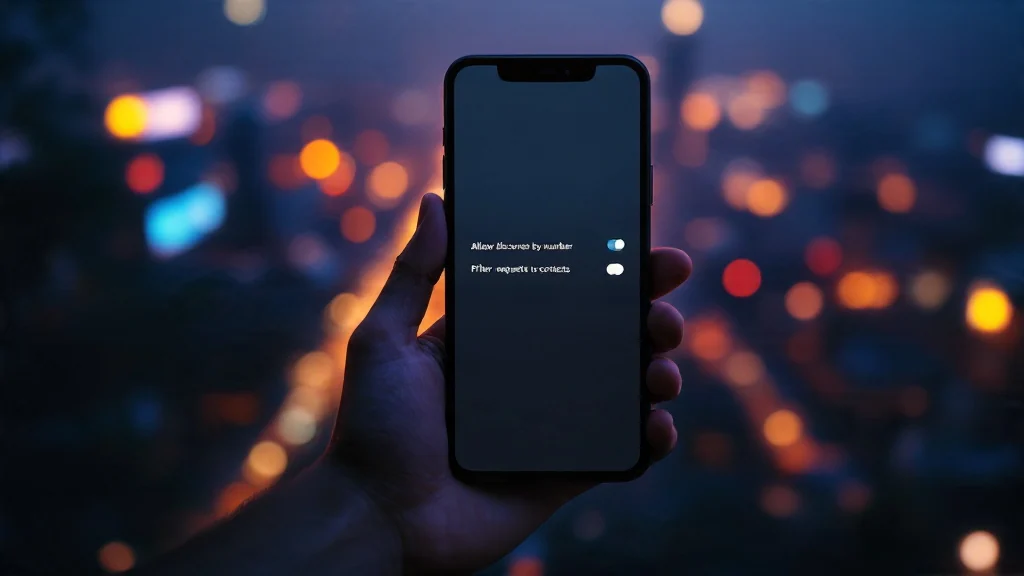
If an unwanted person already knows your number or has saved your photograph, a setting cannot make them forget it. Blocking can limit future interaction, but it is not remote deletion of their records.
Does encryption protect profile information?
It can, depending on the service. It is incorrect to say that profile data can never be encrypted. What matters is which fields are encrypted, which parties receive their keys, and which recipients are allowed to see them. Once someone is allowed to see a photo, they may be able to save it.
For Livara, consult the published security boundaries and the controls actually available in your installed version. Documentation about encrypted chat content is not evidence that a particular profile-visibility or contact-discovery feature exists. This guide does not claim that Livara offers private address-book matching or every control described above.
Frequently asked questions
Does a username make me anonymous?
No. It may let you connect without disclosing a phone number, but the name, photo, shared groups and information you post can still connect the account to you. Reusing a handle can also make accounts easier to associate.
Can a stranger see my photo before I accept a request?
That depends on the app, how they contacted you, previous conversations and your settings. Check the app-specific rule rather than assuming every messenger exposes the same fields.
Should I remove my profile photo?
Only if the exposure conflicts with your needs. A recognisable image can be useful among known contacts. A less identifying image may fit an account used in large or public communities.
Is a message-request filter enough?
It helps control incoming contact. Check profile visibility and account discovery separately, and review last-seen and typing indicators as another source of information.