Encryption protects confidentiality; a fallback plan and a network path are needed to keep communication going.
Secure communication during an internet shutdown always depends on one fundamental question: what kind of connection is still available? End-to-end encryption (E2EE) can protect your message content while it travels, but if no network path exists, it has no magic way to create a new connection.
Preparing for an internet shutdown in Iran needs to happen before disruptions begin. To maintain security and communication, install the tools you need from official sources, verify your contacts’ identities and agree on a fallback communication plan with people you trust.
1. First identify the type of network disruption
The term “internet shutdown” covers a wide range of situations, from targeted blocking to a complete loss of data connectivity. Because operators and infrastructure differ, two users in the same city may have very different experiences. Assess the current network situation before changing your messenger’s settings:
- Service blocking or a technical fault: some services do not open, but a timeout error alone does not prove blocking.
- Throttling and instability: a connection exists, but there is not enough bandwidth for voice or video calls or large file transfers.
- Limited access to the domestic network (“national internet”): some domestic routes may remain available, while connections to destinations abroad are restricted or cut off.
- Selective access: particular operators, such as fixed-line rather than mobile providers, may offer different access.
- Complete data blackout: fixed and mobile internet provide no communication or data path.
Key recommendation: test conditions cautiously. First open an ordinary, lightweight website. If that works, contact someone you trust through a secure channel. Never immediately change your security settings or install unknown circumvention tools after a connection error. A failed connection does not mean the encryption has been broken.
2. Confidentiality and availability are different issues
When implemented properly, end-to-end encryption locks message content from the sender’s device to the recipient’s. This prevents intermediaries carrying the traffic, such as internet providers or monitoring bodies, from reading the messages.
However, encryption does not guarantee:
- That a message will reach its destination.
- That metadata, such as sending time and message size, will remain hidden.
- Security when a phone is unlocked, shared or infected with malware.
- That notifications on the screen will remain hidden.
- That data can pass through routes completely blocked at the network level.
Think of encryption as a steel safe, not a delivery truck. Livara in Iran can move your message only if a road—the internet infrastructure—exists. For details of the product’s claims, read the Livara security document and threat model; an independent assessment requires separate testing and audit evidence. This article does not confirm nationwide Livara availability during shutdowns in Iran, an alternative domestic server or Mesh functionality.
Secure digital communication rests on three foundations:
- Availability: is there a usable path between the devices and the required service?
- Content confidentiality: does this particular conversation type use end-to-end encryption, and is the contact’s key trustworthy?
- Endpoint security: are screen locking, contact authentication and the device’s physical security managed?
Note: successful message delivery does not mean the network is private, just as a failure to deliver a message does not mean its content has been exposed.
3. Prepare before disruption: get devices and accounts ready
Setup should be completed while the network is stable. If app stores such as Google Play or the App Store are blocked, or verification text messages are disrupted, registration or recovery may become difficult or impossible; each service has different dependencies.
- Download from official sources: obtain apps only from the product’s official source. Never install APK files shared in unknown groups.
- Update and activate: keep the operating system and app up to date. After an update, open the app once to make sure it works correctly.
- Complete registration: register and set up recovery codes before a shutdown.
- Add contacts in advance: add essential people to your contacts so that you do not need to exchange new information during a crisis.
- Verify identity independently: confirm contacts’ identities through another channel, such as a phone call. If Livara has a built-in identity-verification mechanism, such as comparing security codes, use it.
- Physical device security: set a long, strong device passcode.
- Manage notifications: disable message previews on the lock screen.
- Review sessions: if the app offers device management, review active sessions and revoke access for devices outside your control according to that product’s guidance.
- Reduce unnecessary retention: review extra copies of sensitive files; do not hastily delete necessary evidence or essential information, and do not assume deleting a file guarantees that every copy is erased.
- Keep non-sensitive information offline: write essential numbers and agreed meeting places on paper and store it safely.
4. Design a fallback plan for essential communication
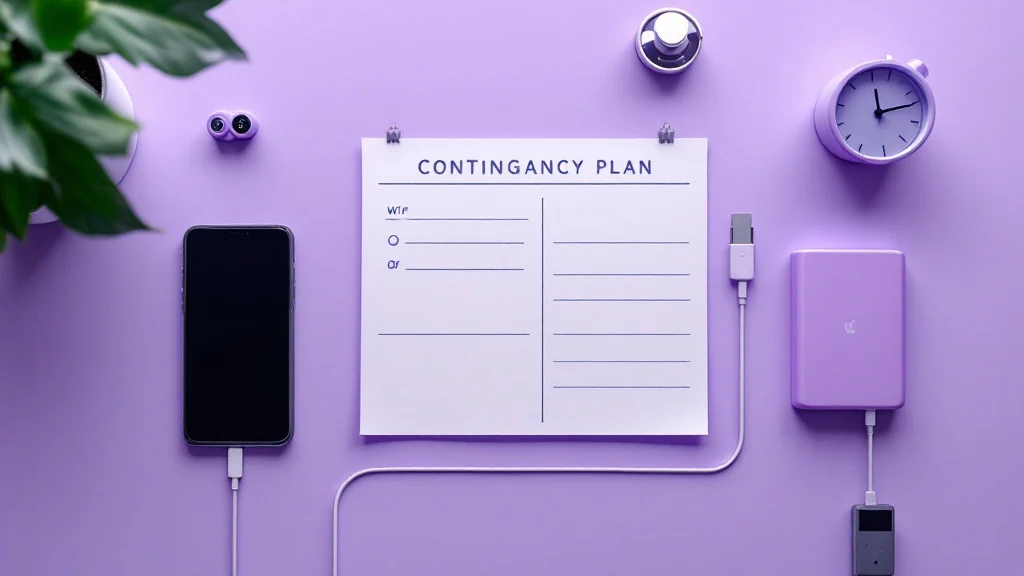
Relying on just one app or network is a fragile strategy. Before disruption occurs, agree on the following four points with trusted contacts:
- Communication windows: set specific times to attempt contact. This avoids excessive battery use and repeated messages.
- Channel hierarchy: decide on a second and third route if the first fails—for example, Livara first, then ordinary SMS.
- Switching point: agree how long to wait or how many unsuccessful attempts to make before moving to a less secure fallback.
- Verify unusual requests: establish a known, independent contact route. A family phrase can provide an extra clue, but it can be repeated if disclosed or recorded and is not a guarantee of identity.
Example of a simple plan:
“During the agreed time windows, we check Livara. If no message arrives, we do not send repeated messages. We use an ordinary phone call to say we are safe—a low-sensitivity update. We go to the prearranged meeting place only when we are confident it is physically safe.”
Important: a contact’s silence does not necessarily mean danger; it may be caused by a power cut, an empty battery or network congestion. Prior agreements help prevent rushed, dangerous decisions.
5. Options during severe blocking or degraded network quality
If some international connectivity remains open, messengers may continue working intermittently. In these conditions, short texts have a better chance of getting through network bottlenecks.
- Send only short text messages and wait.
- Avoid photos, videos, voice messages and unnecessary group activity.
- Do not uninstall and reinstall the app after a connection error; you may no longer be able to sign in.
- Reduce screen use and unnecessary activity. Battery-saving mode may limit notifications or background operation; open the app at the agreed time and check for messages.
- Interpret message ticks—sent, delivered or read—only according to the app’s own official documentation.
- Confirm receipt of especially critical messages through an independent channel.
VPN tools may help when services are blocked, but they require stable access to internet infrastructure. Never grant unnecessary permissions to unknown tools or disable your device’s security protections.
If the internet suddenly reconnects, do not immediately send large amounts of sensitive information; the connection may be unstable or monitored.
6. What happens in a “national internet” or domestic-only scenario?
In a domestic-only situation, your phone shows a Wi-Fi or LTE/4G mobile-data signal, but there is no connection to servers outside Iran.
Access to any messenger depends on the location and availability of all its dependencies: sign-in, key distribution, message delivery, media and notifications. A domestic website may open while another part of the same service depends on an external route. Ordinary SMS and phone calls also work only if the telecommunications network is operating.
In this situation, neither “all domestic messengers work” nor an untested claim of guaranteed Livara access is accurate. To assess the connection type, revisit “1. First identify the type of network disruption” in this article.
Privacy note: server location alone does not establish security or insecurity. The scope of encryption, control of keys, metadata and device security matter. Do not equate ordinary SMS with end-to-end encrypted chat, or move sensitive information onto a route merely because it is available.
7. What should you do during a complete internet blackout?
During a complete shutdown, all data paths are blocked. No server-based messenger will work, and changing DNS or using a VPN is ineffective.
Be cautious of apps claiming to “work without the internet.” Technologies such as Bluetooth Mesh or Wi-Fi Direct have significant limitations in range, battery use and user capacity, and using them in public places can make your device discoverable to nearby people. Unless Livara’s official documentation confirms offline Mesh communication, do not assume it has that capability.
Fallback options during a complete blackout:
- Rely on prearranged meeting times and places.
- Use essential phone numbers written on paper.
- Use fully charged power banks.
- Make ordinary voice calls or send SMS, only for non-sensitive everyday coordination.
- Listen to the radio or trusted local news sources.
Never put yourself in physical danger to restore digital communication. Satellite equipment also requires careful consideration of security risks, local laws and signal-tracking issues.
8. Protect devices, metadata and physical safety
Encrypting the communication path does not prevent someone from reading content displayed on an unlocked, usable phone.
- Set a short automatic screen-lock delay that suits your usage and accessibility needs.
- Hide message previews on the lock screen.
- Review and restrict app permissions for the microphone, camera, location and contacts.
- Avoid taking screenshots of sensitive conversations and saving them in your gallery.
- Never install unofficial messengers, unofficial Livara clients or update files sent by unknown people.
- If friends send requests for money, an address or a meeting place, verify their identity through another route—for example, a phone call and a question only they can answer.
Remember that end-to-end encryption protects only “message content.” Metadata, such as the amount of data used, connection times and your IP address, remains visible to the internet provider. Never assume absolute anonymity simply because you use an encrypted messenger.
Finally, consider the recipient’s safety too: sending an encrypted message to a device that may be searched or held by someone else can put the recipient at risk.
A short preparedness sheet
Complete these items with your contacts and keep the sheet somewhere safe:
| Item | Your decision |
|---|---|
| Primary and fallback routes | Tool and contact names, not passwords or recovery keys |
| Message-checking times | Specific, practical times |
| Waiting period before switching routes | Appropriate for the family’s or team’s circumstances |
| Low-sensitivity message | Only information essential for coordination |
| Verification of unusual requests | Call a previously known number |
| Access to power | Charger, power bank and reduced unnecessary use |
| Stopping point | Do not put yourself or anyone else in physical danger for digital communication |
Where can we learn about today’s situation?
This guide is not a live report on internet conditions. OONI explains that restrictions vary between networks and that a service failing to open does not necessarily prove blocking. Interpret public data together with the measurement time and network, not as a guarantee of conditions on your own phone. Running a measurement tool may publish data and carry local risks; without reading its risk guidance, do not treat it as a default action during a crisis.
Useful preparation means knowing in advance which information is essential, which routes you will use and when you should wait. Installing more apps is no substitute for a realistic communication plan.