Matching keys is an important check, not a guarantee that a device is secure or that every message from your contact is truthful.
A safety number or key fingerprint helps you compare the keys used for encrypted communication with your contact. This check is useful for reducing the risk of key substitution, but it is not a certificate that “nobody can read the message”: an infected device, an untrustworthy recipient or a saved copy can still expose the content.
How fingerprints are displayed and calculated differs between messengers. Follow the instructions for the app you use; some apps display a shared conversation number, while others show fingerprints for each device or identity.
What does a safety number not prove?
| Check | Expected result | What it does not prove |
|---|---|---|
| Correctly comparing a key with a known person | The observed key matches the expected key | That their device is uncompromised |
| Verifying a number or QR code | A key-authentication check has been performed | That every claim or request for money is legitimate |
| No warning | The app shows no reported change | That there is no eavesdropping or malware of any kind |
If you do not know who the other person is, comparing with that same unknown person does not reveal their real identity. To learn about other layers, see the messaging threat model.
How do you compare keys with a contact?
- From the conversation, open the key-verification or safety-number page according to the messenger’s instructions.
- Compare with someone you know, preferably in person or through an independent, previously trusted route.
- Check all required parts, not just the first few digits. If the app provides an official QR-code flow, use that flow.
- If they match and the app lets you mark the key as verified, do so.
- If they do not match, stop sending sensitive content and investigate the cause.
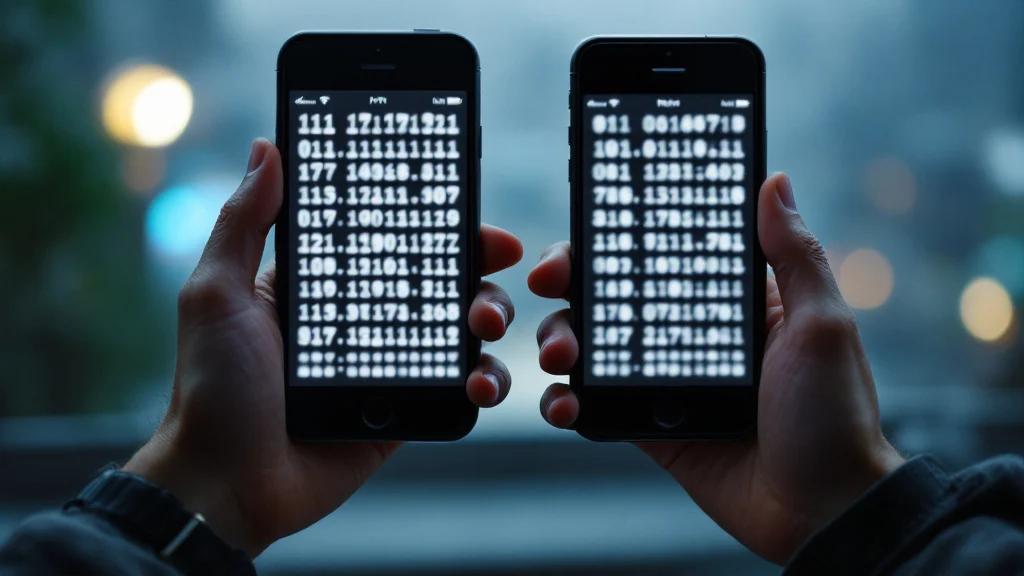
Conceptual illustration; the numbers are fabricated and do not show a valid verification match or an actual messenger interface.
Sending a screenshot of the number in the same conversation whose authentication you doubt is not an independent check. A call or second account is also useful only if you genuinely trust that route’s identity and security; a new number supplied by the sender is not enough.
What should you do if the number changes?
Changing devices, reinstalling the app or changing a key can trigger a warning. The precise behavior depends on the app and how identity is recovered; not every phone change necessarily changes the key, and not every warning means an attack.
Ask your contact through an independent route what has changed, update the apps and then compare the current number again. For sensitive conversations, do not substitute a verbal explanation about a new phone for a key comparison. If the mismatch persists, seek help from official support without hastily deleting data.
Verifying again cannot take back messages that may already have been exposed. Post-compromise security also depends on removing the attacker’s access and introducing fresh cryptographic input; not every step in a key chain means the compromise has ended.
How does key transparency differ from manual comparison?
Key transparency is designed to reveal inconsistencies in mappings between identifiers and keys. It should not be described merely as “trusting the same server again,” nor should it be taken as proof of a person’s identity or a device’s health.
According to Signal’s official Automatic Key Verification guide, this feature provides an additional check alongside the safety number, and its availability depends on conditions such as whether the phone number is a known contact. Its absence or a change in its status is not, by itself, evidence of a hack. If it is unavailable, Signal recommends comparing the number or QR code through a trusted route.
The claim that “manual comparison is the only possible defense” is therefore inaccurate. Automated tools and user checks can play complementary roles; read about each product’s actual coverage.
What should you check in Livara?
Livara’s security documentation describes comparing key fingerprints through another channel. In the installed version, check where the control is located, which data is compared and how the app responds to a key change. This guide does not verify an interface path or the availability of QR codes in every Livara version.
Comparing chat keys is also no substitute for checking the source used to install the app. The APK file and reference hash must come through a trusted route; a matching hash shows only that the file is identical to the reference.
Frequently asked questions
Is a QR code always safer than reading the numbers?
A QR code can reduce manual-comparison errors, but it must belong to that app’s official flow. Security depends on the data being compared and trust in the contact and route, not just on the QR format.
If the number matches, is a request for money legitimate?
No. Key verification does not prove that a business or financial claim is true. Verify sensitive requests independently.
Does a change warning mean the conversation was previously intercepted?
Not necessarily. A warning is a reason to investigate, not conclusive evidence of exposure. Establish the reason for the change and the current situation without sending sensitive information.